Name the part and drawing revision
Why should drawing revision numbers be included in a hinge RFQ?
Revision numbers prevent confusion between preliminary concept sketches and updated fabrication releases. Stating the active revision ensures both buyer and manufacturer evaluate identical dimensions, tolerances, and structural requirements during technical review.
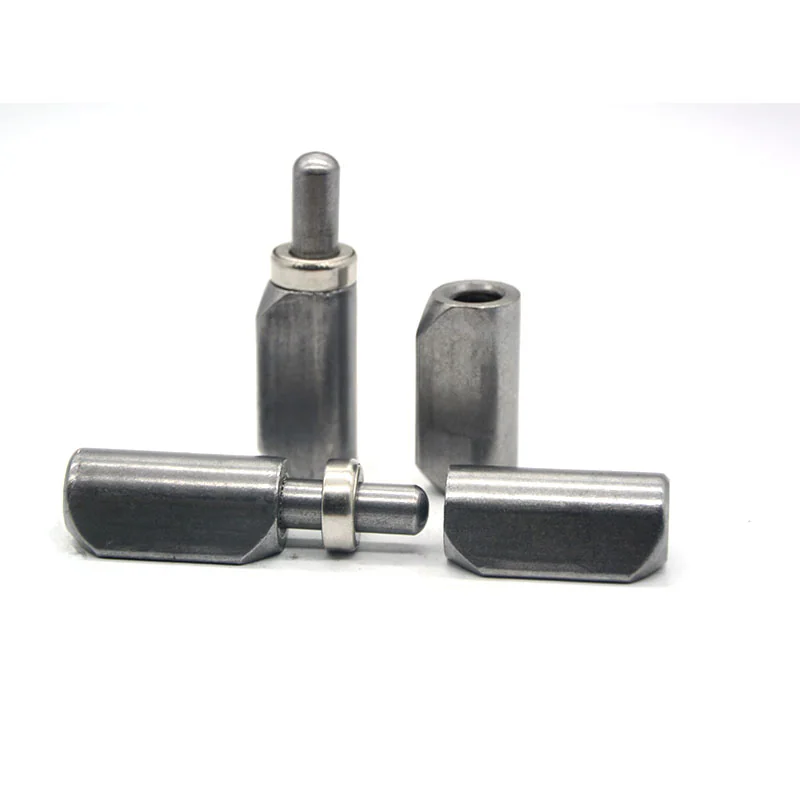
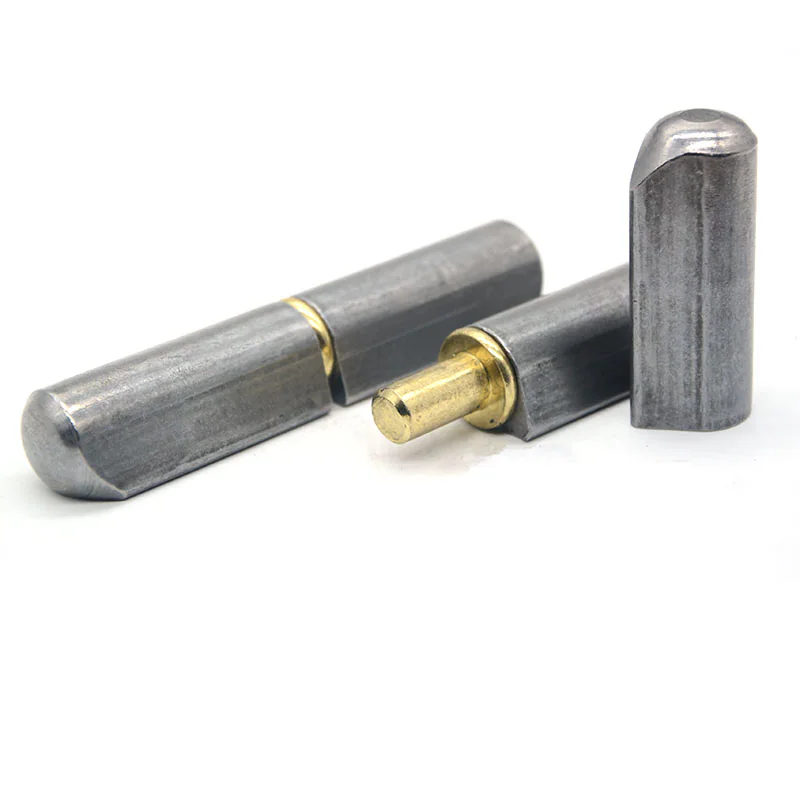
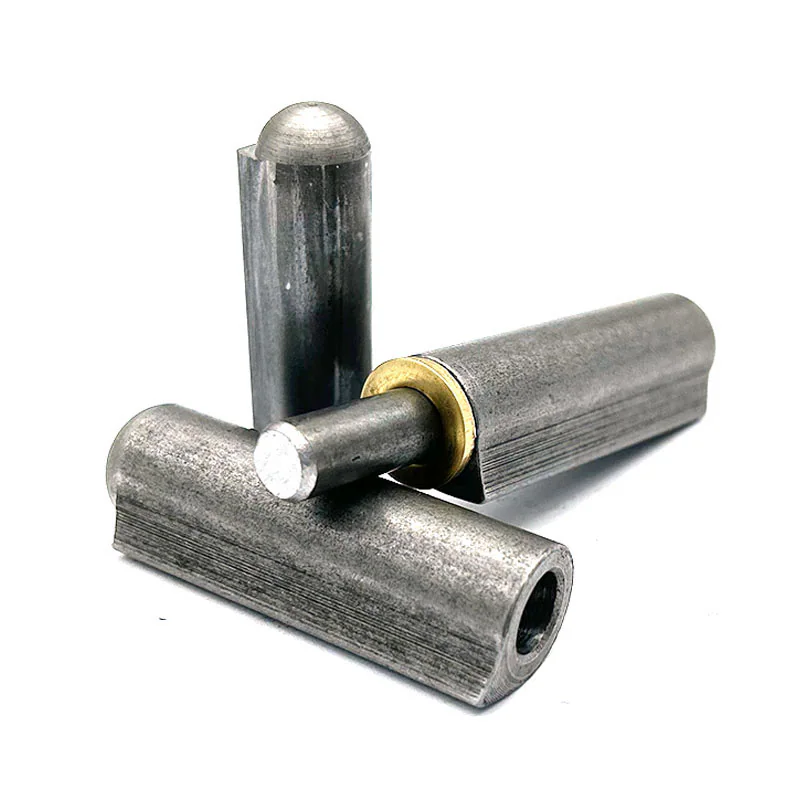
Put the product family and exact model or size at the top when referring to a listed hinge. If you do not know the family, label the drawing as a buyer requirement and include photographs. Do not select a family solely because its photograph looks similar.
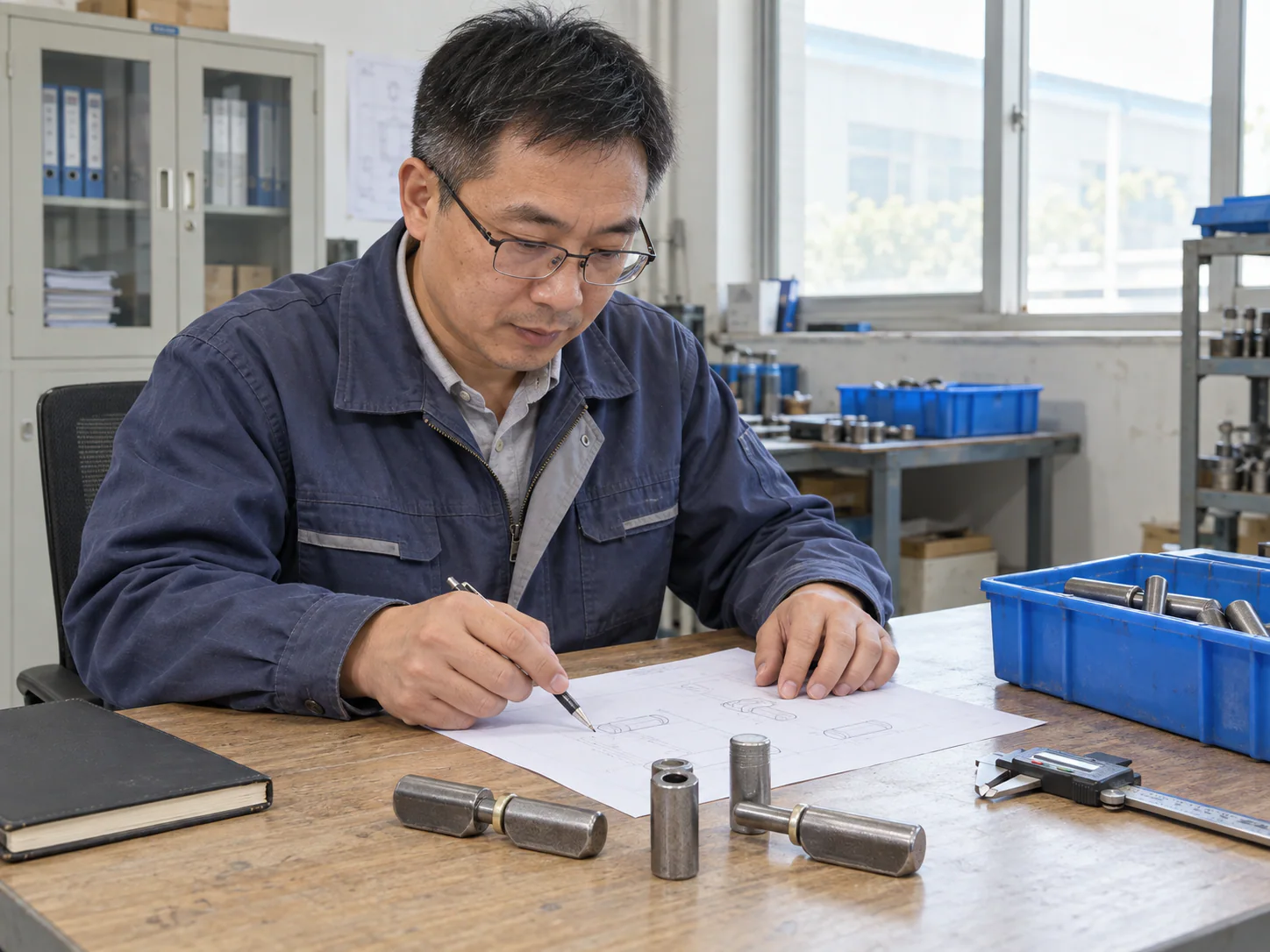
Give the drawing a reference and revision, even for a simple sketch. State whether dimensions are measured from an existing part or required for a new design. If the part is worn, mark that rather than treating every measured value as a new-part requirement.
Show the hinge and the installation
Why is a section view needed alongside an overall hinge drawing?
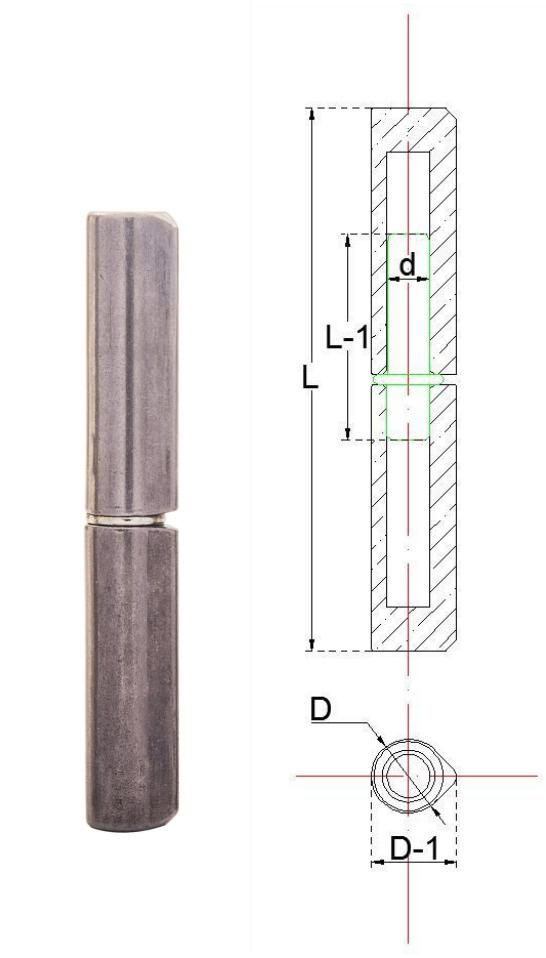
An overall view shows external body length and diameter, but only a section view reveals internal pin engagement, bushing location, and weld flange thickness. For tight enclosure joints, the section view verifies whether the hinge body clears adjacent frame returns.
Use an overall view for length and body arrangement, and a side or section view for the profile and pin position. Add a section through the door and frame when their relationship affects the fit. Mark opening direction, intended mounting surfaces and nearby obstructions.
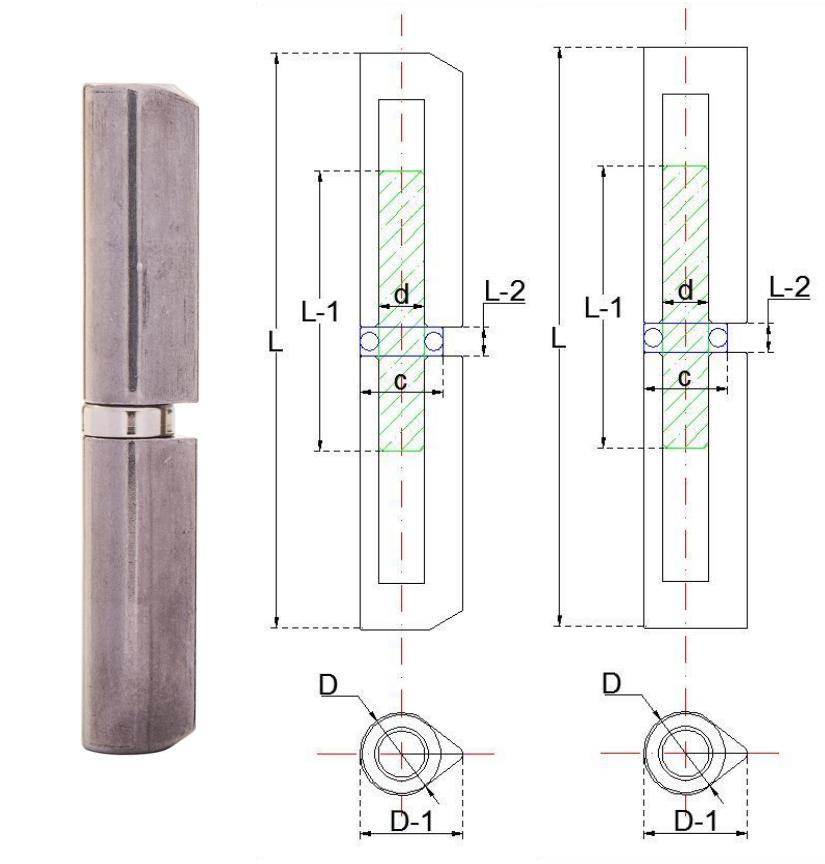
Photographs help explain access and condition. They cannot reliably supply dimensions from perspective alone. Keep measurements on the sketch and use the photograph to show where the part sits.
Locate each dimension and state its unit
- Overall length and body dimensions, with arrows showing the endpoints.
- Pin or section details needed to distinguish the part.
- Required changes marked separately from the product reference.
- Units and the current drawing revision.
- Any missing measurement clearly labeled as needing confirmation.
Preserve the original symbols when quoting a product drawing. For example, 12-A is the model and 11.80 is its printed D value. The source table does not print a unit, so ask for confirmation. The size guide covers this and other notation differences.
Use this short inquiry outline
What details should I include in a hinge quotation request?
Include the hinge reference or a marked sketch, quantity, intended use, and any material or finish requirements. Put units and a drawing revision on the sketch. For a replacement, add photographs of the existing part and its mounting position. List unknown details as questions so they can be resolved before ordering.
- Product reference: [product link, family and size, or buyer drawing reference].
- Application: [door, cabinet, gate or other assembly; include the installation sketch].
- Required change or question: [identify the feature or dimension].
- Material or finish requirement: [state the required specification, or ask for confirmation].
- Quantity and destination: [estimated quantity; country or region].
- Attached drawing: [file name, drawing number and revision].
- Open points: [information that still needs confirmation].
A short message with these details is enough to start. Avoid sending several nearly identical files named “final” without marking the current one. If you revise a drawing, state what changed in the message.
Check the files before submitting
Which drawing formats are preferred for industrial hinge technical review?
Vector formats such as PDF, DWG, and DXF are preferred because they preserve exact dimensional lines, datum points, and title block notations. High-resolution raster images are also acceptable provided all dimension callouts and unit labels remain fully legible.
Open the file once before uploading it. Check that the dimensions are legible, the correct revision is visible and the image is not cropped through a needed feature. Attach only files relevant to the inquiry and identify any photograph that shows a different reference part.
On the inquiry form, use Technical Drawing for a PDF, DWG, DXF, JPG or PNG, and Reference Image for a JPG or PNG. Each file field accepts a file up to 10 MB. After submitting, check the form’s result before assuming the inquiry has been received.
If the request changes a listed hinge, the standard versus custom guide explains the confirmation step. If the part fits but the movement is uncertain, include the details from the alignment and clearance guide.